



Black Friday 12 months $240 $70 vs paying monthly · ends 30 Nov, 23:59 UTC

Ends in
02days 11hrs 08min 14sec
Claim deal

pulsetv

Pulse TV prepaid streaming plans

Prepaid Pulse TV IPTV

Want to check a live programme before buying Pulse TV? Ask about availability on your device and in your country. If you already know the term you want, compare the prices below.

Check availability before buying Compare Pulse TV prices

Scroll

Up to 8K where available

Enjoy 8K, 4K, Full HD or HD quality when the source, device and connection support it.

Live and on-demand categories

Ask support about the content and device combination you need.

Device setup guidance

We point you to the player and login route for your screen.

Disney+ Eurosport FOX Netflix Discovery F1 HBO beIN Sports Canal+

Content

Stream all the TV you love

Watch on Smart TV, tablet, phone and laptop: films, series and live TV in one membership.

Exodus available on Pulse TV
Exodus
A Day and a Half available on Pulse TV
A Day and a Half
Tore available on Pulse TV
Tore
Cell 8 available on Pulse TV
Cell 8
Estonia available on Pulse TV
Estonia

How Pulse TV works

A prepaid TV pass for the screen you already own

Choose 1, 3, 6 or 12 months. Watch on one connection with a free player app we help you set up. No new TV box needed if your screen already supports a compatible player.

Choose Your Plan
  • No automatic renewal on this website
  • Payment steps confirmed in WhatsApp before you pay
  • Setup help included after payment
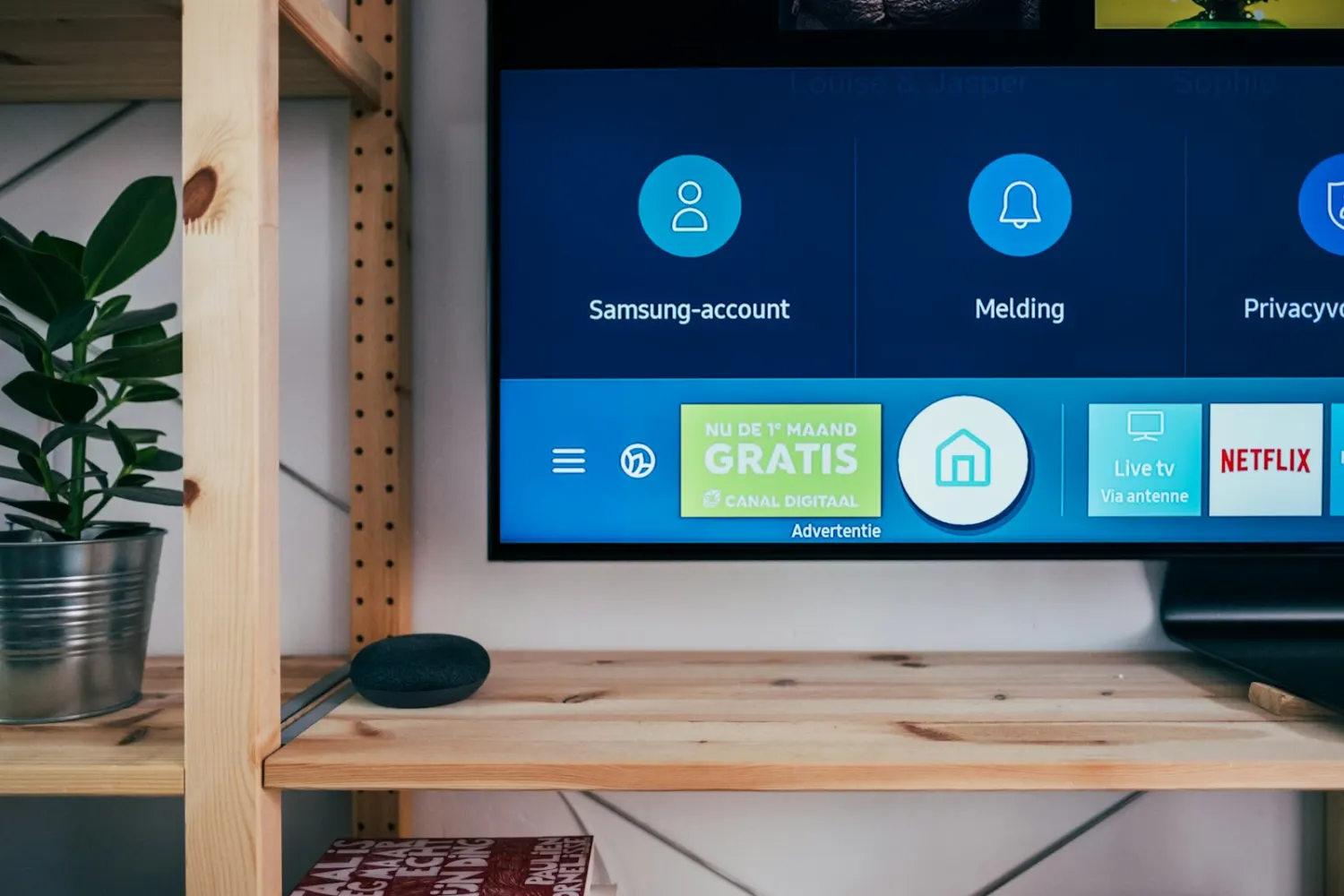
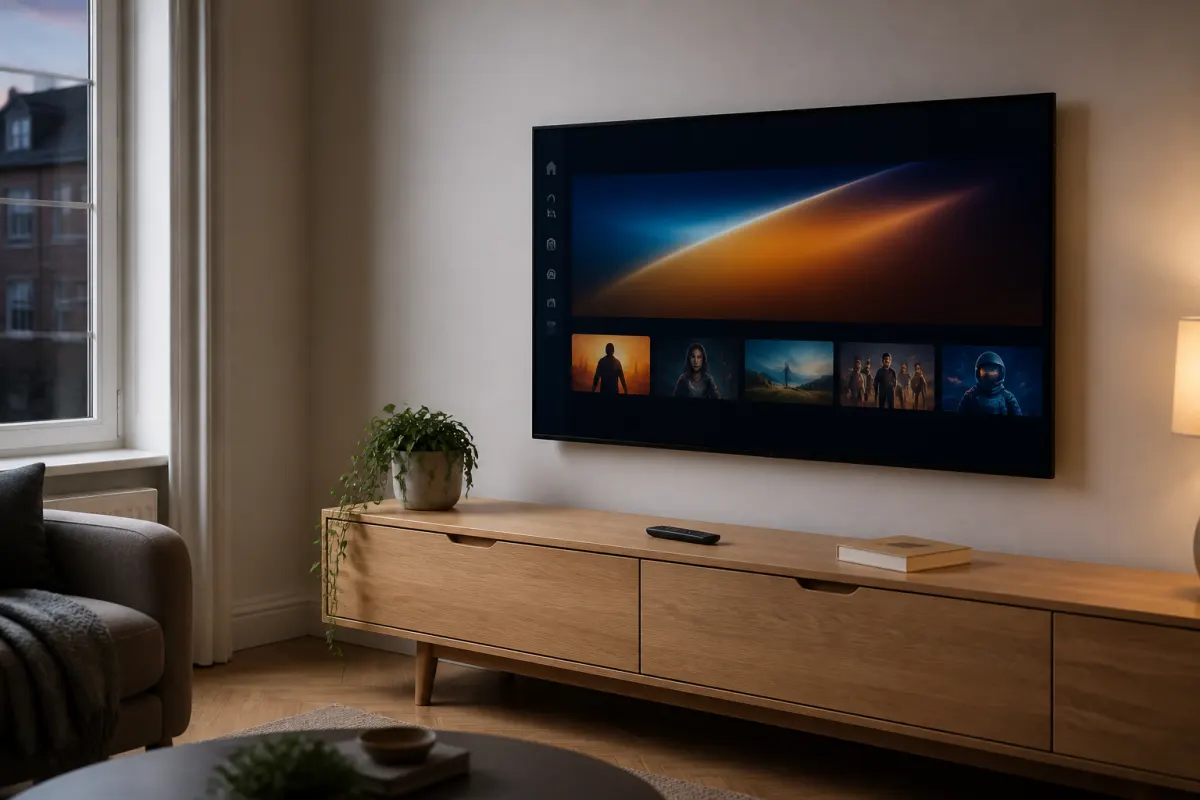
Living room TV ready for Pulse TV setup
  1. Tell us your device Example: Fire Stick, Samsung TV, or iPhone, plus what you want to watch.
  2. One connection per plan Ask support first if you need more than one screen at the same time.
  3. Confirm, then pay We confirm availability and payment steps. After payment, you get login and setup help.

Pricing

Choose the plan that suits you

Clear Pulse TV IPTV pricing. One connection. We confirm the payment route in WhatsApp before you pay.

Every plan includes

  • Up to 8K, 4K, Full HD and HD playback where available
  • Live TV, sports, news and entertainment channels
  • Movies and series on demand
  • Smart TV, Android, iOS, Fire Stick, box and PC support
  • 1 connection / device
  • Fixed prepaid term
  • Compatible player and setup guidance
  • Payment instructions confirmed in WhatsApp before payment
  • Email and WhatsApp support
1 Month

$20.00

A short prepaid plan for one connection.

Every plan includes

  • Up to 8K, 4K, Full HD and HD playback where available
  • Live TV, sports, news and entertainment channels
  • Movies and series on demand
  • Smart TV, Android, iOS, Fire Stick, box and PC support
  • 1 connection / device
  • Fixed prepaid term
  • Compatible player and setup guidance
  • Payment instructions confirmed in WhatsApp before payment
  • Email and WhatsApp support
Order Now
Save 42%

3 Months

$60.00$35.00

vs paying monthly

Three prepaid months for one connection.

Every plan includes

  • Up to 8K, 4K, Full HD and HD playback where available
  • Live TV, sports, news and entertainment channels
  • Movies and series on demand
  • Smart TV, Android, iOS, Fire Stick, box and PC support
  • 1 connection / device
  • Fixed prepaid term
  • Compatible player and setup guidance
  • Payment instructions confirmed in WhatsApp before payment
  • Email and WhatsApp support

Order Now
Save 71%

12 Months

$240.00$70.00

vs paying monthly

Twelve prepaid months for one connection.

Every plan includes

  • Up to 8K, 4K, Full HD and HD playback where available
  • Live TV, sports, news and entertainment channels
  • Movies and series on demand
  • Smart TV, Android, iOS, Fire Stick, box and PC support
  • 1 connection / device
  • Fixed prepaid term
  • Compatible player and setup guidance
  • Payment instructions confirmed in WhatsApp before payment
  • Email and WhatsApp support

Order Now

We accept

Mastercard, Visa, American Express, iDEAL, Bancontact, Apple Pay, Google Pay and PayPal.

Playback quality, including 8K where available, depends on the source, device and connection. Each plan is for one connection for the advertised prepaid term. Payment instructions are confirmed in WhatsApp before payment; this site does not collect card details.

Before you order

Know what happens before you pay

We confirm the important details first, then you pay.

  • Device compatibility

    We check your device and player before you order

    WhatsApp
  • Content availability

    Ask about the channels or categories you want

    WhatsApp
  • Support

    Help is available by email and WhatsApp

    Contact page
  • Payment

    We confirm the total and payment route first

    WhatsApp
  • Plan duration

    One connection for the selected prepaid term

    Order summary
  • Refund and cancellation

    Review the current terms before ordering

    Support

Ready to choose a plan?

Pick a plan, send your device details on WhatsApp, and receive the payment and setup steps after availability is confirmed. Prefer to test first? See the free trial page.

Order Now from $20.00

Live sports

Is your match available?

Tell us the sport and your device. We reply on WhatsApp with a clear yes / no before you pay.

  1. Sport or channel (soccer, F1, ESPN…)
  2. Your device (Fire Stick, Samsung, iPhone…)
  3. We confirm in a short WhatsApp reply
Chat on WhatsApp

Example brands people ask about. Availability depends on region, device and plan. Confirm with us first.

Pulse TV IPTV: setup guidance for popular players

Tell us your Smart TV, Android, iOS, box or computer model and we’ll point you to the compatible player and login route.

What is a “player”?

A player is a free (or low-cost) app on your TV, phone or box. Pulse TV gives you login details. The player is where you open those details and watch. You keep your own TV. We do not sell hardware.

How setup usually works

  1. You tell us your device (example: Fire Stick, Samsung TV, iPhone).
  2. We tell you which player to install from your store.
  3. After payment is confirmed, we send your login.
  4. You enter the login in the player and start watching.

Simple device guide (2026)

  • Fire Stick / Android TV: often TiviMate or IPTV Smarters Pro
  • Samsung / LG Smart TV: often IBO Player or Smart IPTV
  • iPhone / iPad: often IPTV Smarters Pro or a store-approved iOS player
  • Windows / Mac: often IPTV Smarters Pro
  • Mixed house (many screens): IPTV Smarters Pro is usually the easiest shared option

Player availability can change by country and TV model. Always ask us with your exact model before you order.

Watch: how a playlist loads in your player, then pick the app that fits your device.
IPTV Smarters Pro app icon

IPTV Smarters Pro

Best for Android · iOS · PC · some Smart TVs

Best starter for many phones, tablets, PCs and some TVs. Same login style on several platforms.

IBO Player / IBO TV app icon

IBO Player / IBO TV

Best for Samsung · LG · Android

Common on Samsung and LG Smart TVs. Often uses a MAC / device key shown on the TV screen.

IBO Player Pro app icon

IBO Player Pro

Best for Smart TV · Android

Remote-friendly Smart TV option. Good if you want big buttons and simple menus on the sofa.

Smart STB app icon

Smart STB

Best for Android boxes / STB

Used on some Android / STB boxes. We confirm if it matches your box model before setup.

Smart IPTV app icon

Smart IPTV

Best for Samsung · LG

Popular on Samsung and LG. Sometimes needs a small one-time player activation after a short trial.

Hot Player app icon

Hot Player

Best for Smart TV · Android

Another Smart TV / Android route we can check if your store does not list the first options.

XCIPTV app icon

XCIPTV

Best for Android · Fire Stick

Free Android / Fire Stick style player. Useful when you want a simple Xtream Codes login.

TiviMate app icon

TiviMate

Best for Fire Stick · Android TV

Strong choice for Fire Stick and Android TV. Not for Samsung/LG Tizen or webOS TVs.

Not sure which player you need?

Send one WhatsApp message with: 1) your device brand/model, 2) what you want to watch, 3) the plan length you prefer. We reply with the correct app name and next steps in plain English.

Ask on WhatsApp

Compatibility depends on the device and player. Check with support before ordering if you are unsure. Player apps are separate from Pulse TV. Some are free, some may charge their own small activation fee (for example Smart IPTV after trial). We explain that clearly before you pay.

What we offer

Choose what you want to watch

Pick a category, tell us your device, and we check availability before you pay.

TV shows on Pulse TV

TV shows

Series and entertainment channels. Ask about the shows or networks you care about.

Check a plan
Sports on Pulse TV

Sports

Live sport categories. Tell us the league or match type to check.

Check a plan
Movies on Pulse TV

Movies

Films on demand where available. Quality depends on source, device and internet.

Check a plan
Documentaries on Pulse TV

Documentaries

Factual categories. Confirm the topic with us first if it matters to you.

Check a plan

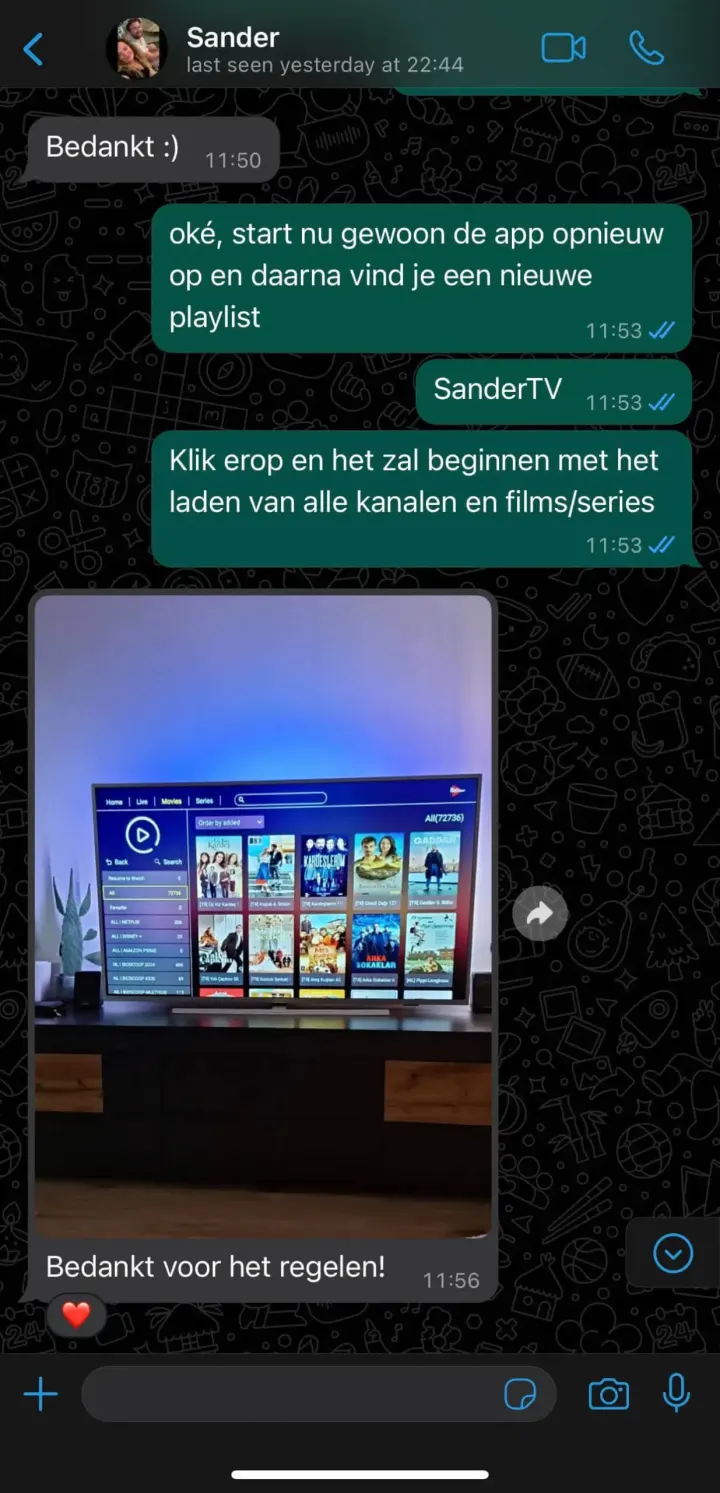
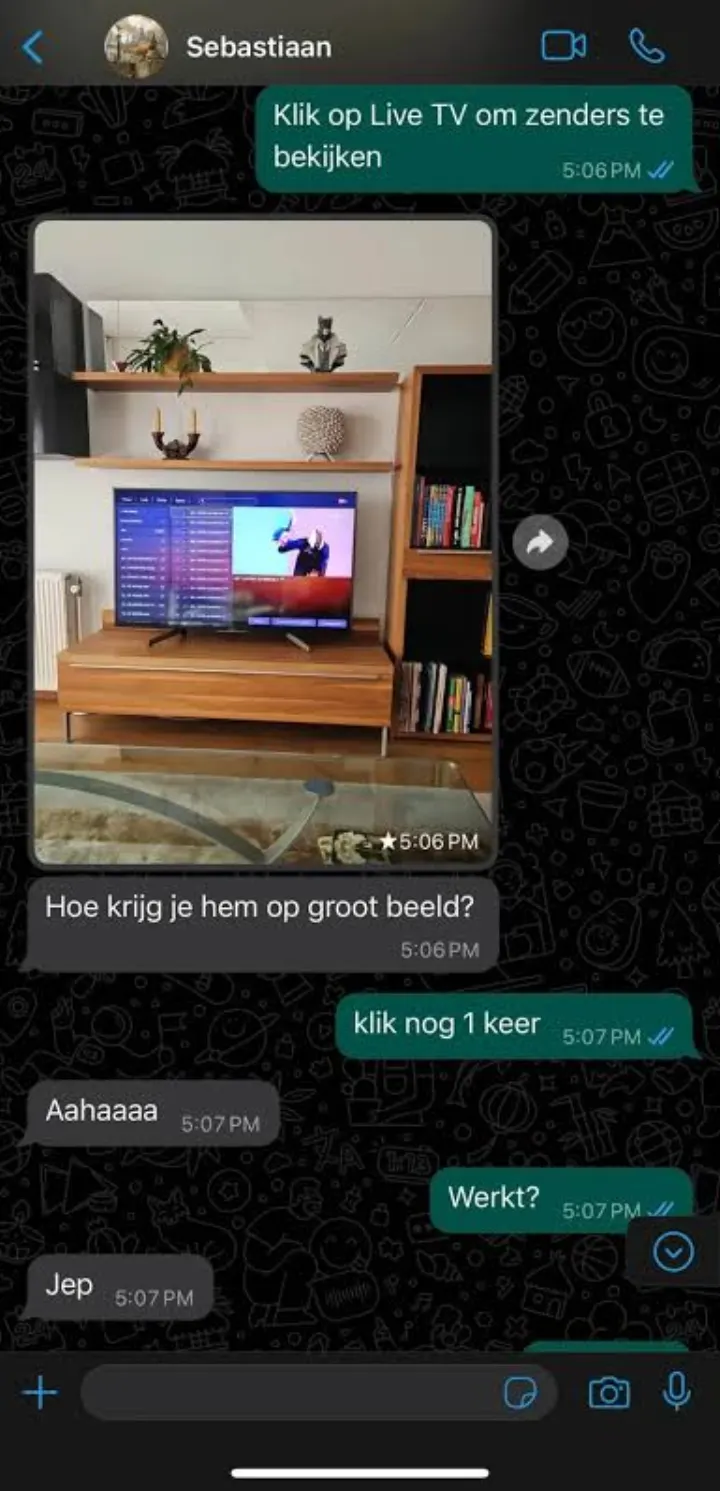
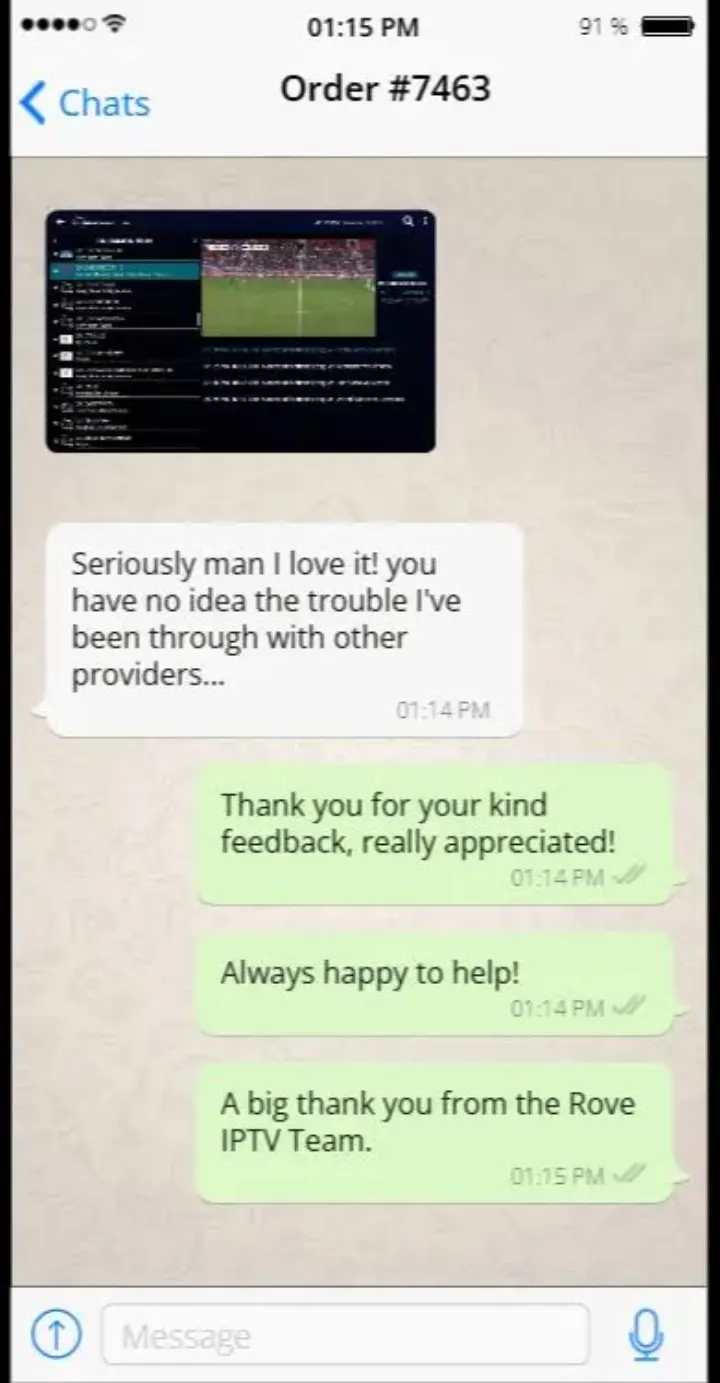
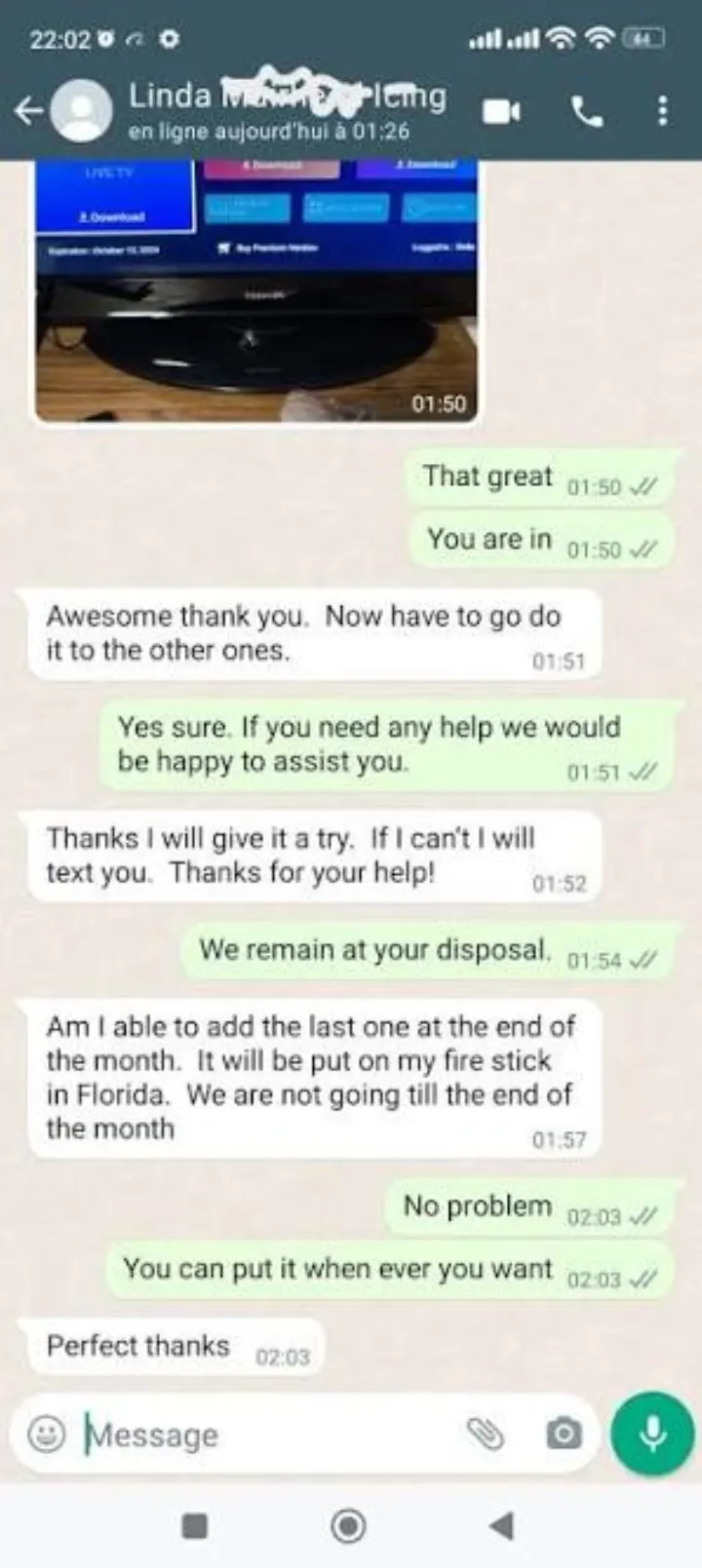
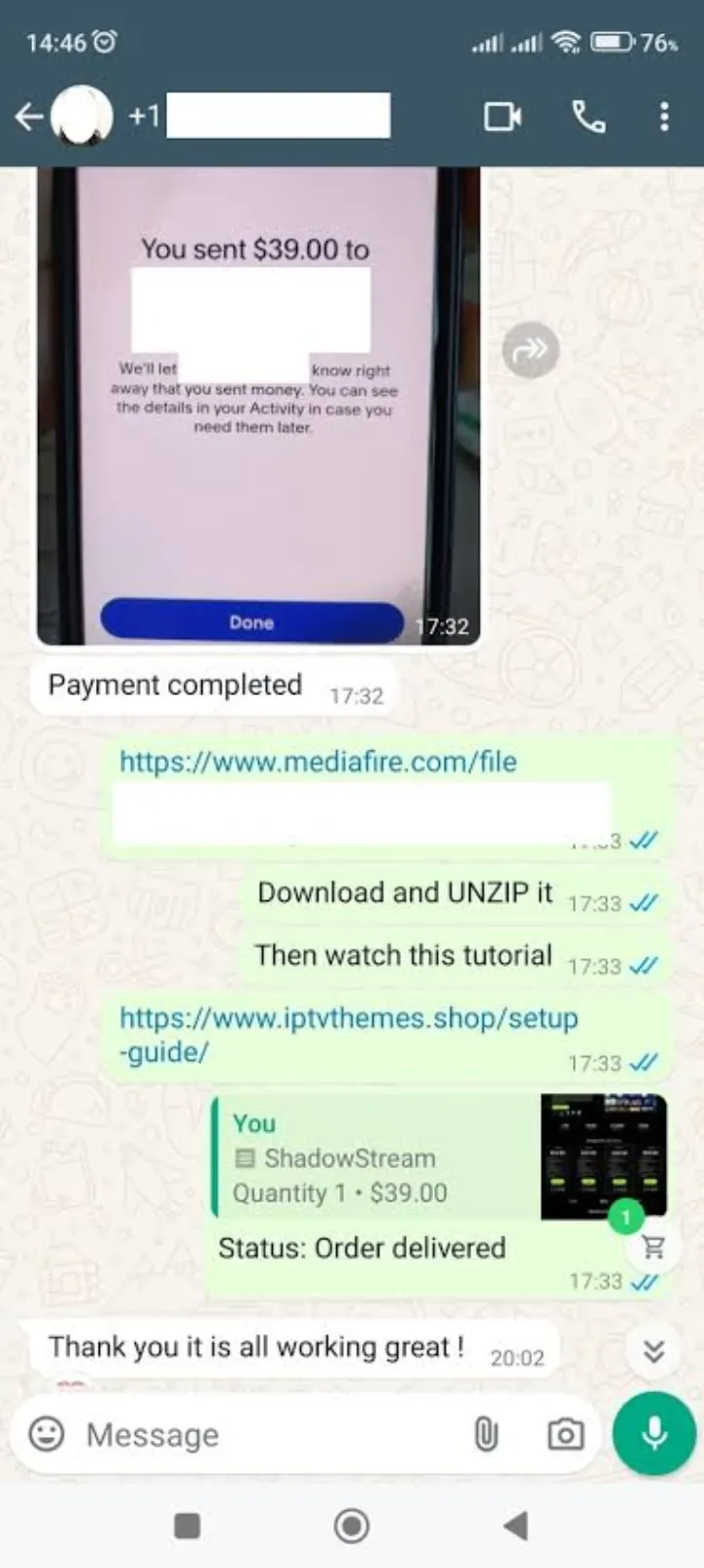
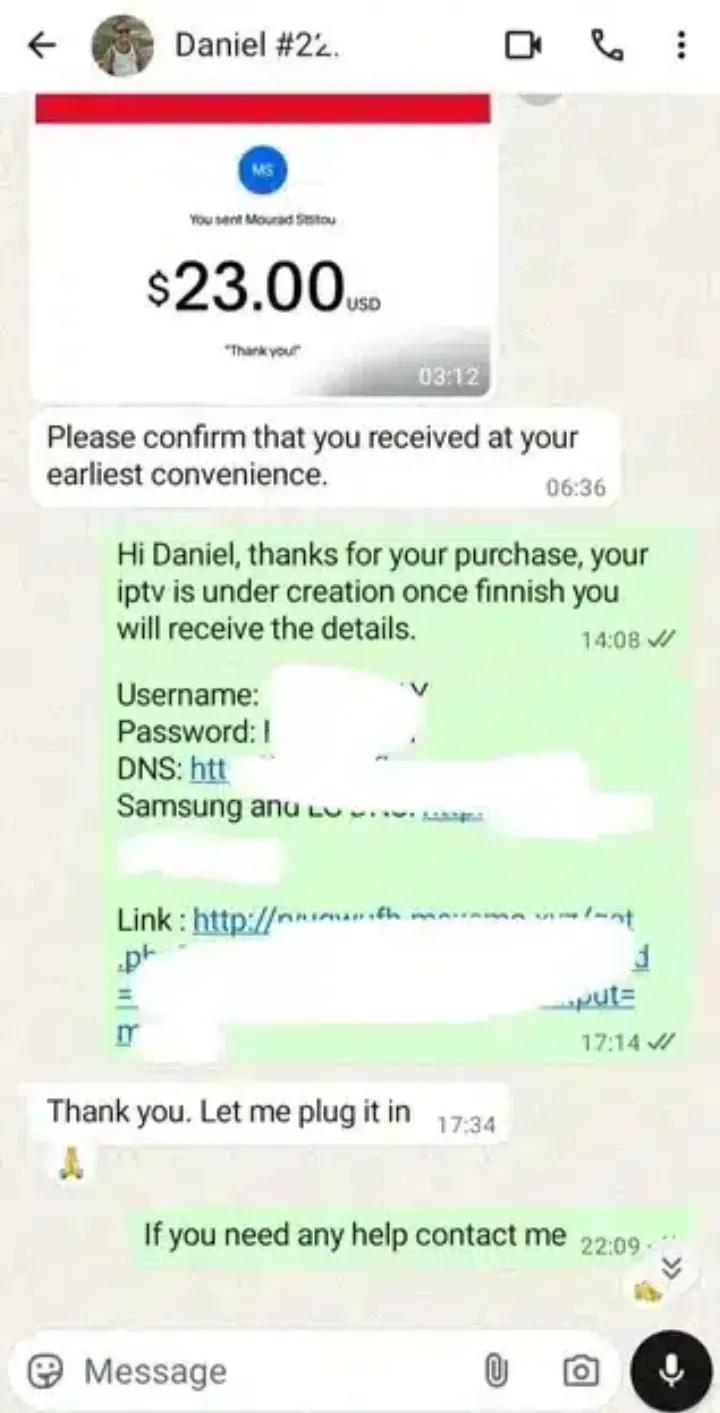
Real WhatsApp chats

See how support conversations work

Real customer chats from setup and support. Logins blurred where needed.

Why Pulse TV

A straightforward way to choose a plan

What is Pulse TV IPTV?

Pulse TV is a prepaid streaming service for viewers who want live TV, sport and on-demand categories on a compatible player for a stated prepaid term.

What to confirm before ordering

Review Pulse TV IPTV pricing from $20.00, one connection per advertised plan and support by email or WhatsApp. Ask about a device or content requirement before you pay.

Works on the devices you already own

Compatible players vary by device. Send us the model and app name and we’ll share the relevant setup route before you order.

How it works

Order in 3 clear steps

1

Choose your plan

1, 3, 6 or 12 months. One connection, transparent prices.

2

Continue in WhatsApp

Enter email, device type and country. We open WhatsApp with your order ready.

3

Pay & activate

We confirm availability and payment instructions first. After payment is confirmed, we send the login and setup steps.

FAQ

Pulse TV IPTV questions answered

Is this PulseTV from Pulse Fiber?

No. PulseTV from Pulse Fiber Internet is a separate streaming service for its internet customers. Pulse TV here is an independent IPTV subscription.

Is Pulse TV the Stream Pulse TV or PulseIPTV app?

No. Those are player apps. Pulse TV is the subscription; you watch it in a compatible player.

Do I download a Pulse TV app?

Pulse TV has no app of its own. You install a general IPTV player on your TV, stick or phone and add the Pulse TV login; we tell you which player suits your device.

Can I watch Pulse TV live streaming on a Fire Stick?

Yes. Live channels stream to a Fire Stick through a compatible player; we guide you through setup after ordering.

Is Pulse TV in HD?

Channels play in HD, Full HD or 4K, and up to 8K in some cases, depending on the source, your device and your internet.

Choose a plan with the details in front of you.

Review the term, check your device and contact support before payment if anything is unclear.

View Plans
Chat with us